
Introduction
Ask any working animator how a film actually gets made, and you'll rarely hear the word "drawing" first. You'll hear "pipeline."
The animation production pipeline is the structured, stage-by-stage workflow studios follow to turn a raw idea into a finished film, series, or game asset. It's the invisible backbone behind every character that moves and every frame that ships on time.
For studios in India and globally, this pipeline isn't optional. It keeps quality consistent, budgets under control, and hundreds of specialists moving toward one shared vision instead of pulling in different directions.
Despite its importance, many aspiring animators hear "pipeline" in almost every job listing and tutorial, yet few can explain what actually happens at each stage. This guide breaks it down step by step, from the first script draft to the final rendered frame.
Key Takeaways
- The pipeline runs through three phases: pre-production, production, and post-production
- Specialist roles vary by phase, covering scriptwriting, rigging, and compositing
- Pipelines exist to manage time, budget, and large creative teams without chaos
- Knowing the pipeline and its tools often decides who gets hired at studios
What Is the Animation Production Pipeline?
The animation production pipeline is the sequential system of people, software, and hardware that carries a project from initial concept to a finished, distributable output. Nothing moves out of order. A rigger can't rig a character that hasn't been modelled. A compositor can't merge layers that haven't been rendered.
The point of this system is straightforward: predictable quality and on-time delivery, secured through clean handoffs between departments. When dozens of artists work on a single 90-second scene, someone has to guarantee the lighting artist's file matches the animator's latest version. That's the pipeline's job.
Getting this system right starts with clarifying two terms people often confuse: "pipeline" and "workflow." They're related, but not the same thing.
| Term | Scope | Example |
|---|---|---|
| Workflow | Repeatable task sequence within a single department | How a rigger organises their own files |
| Pipeline | Entire creative and technical sequence spanning every department | From the first script page to final export |
Toon Boom, one of the industry's standard software providers, notes that its pipeline diagrams represent popular workflows rather than one fixed rulebook. Tasks can be divided or reordered depending on the studio.
Why the Animation Pipeline Is Essential in the Industry
A single animated feature can involve hundreds of artists across writing, design, modelling, rigging, animation, lighting, and sound, with departments handing off work in a precise order. Without a shared structure, that many moving parts collapse into chaos fast.
India's animation and VFX segment is growing fast enough to make this coordination more urgent than ever. The combined sector grew from ₹107 billion in 2022 to ₹114 billion in 2023, a 6% jump, and FICCI-EY projects it will reach ₹185 billion by 2026. More projects and more studios all need clear systems to avoid stepping on each other.

What typically goes wrong without a pipeline:
- Blows budgets when a costly redo isn't caught until it's too late
- Pushes deadlines back because departments don't know what's coming next
- Creates inconsistent character design across scenes and episodes
- Duplicates or loses work when files aren't tracked properly
To avoid these pitfalls, major studios treat the pipeline as best practice, not a legal requirement. Pixar, for example, moved away from a rigid linear pipeline, where animation couldn't begin until every character model was finalised. The studio now uses a system built on Universal Scene Description (USD), which lets departments exchange scene data non-destructively. Netflix and other major players use similarly standardised global production frameworks for the same reason.
The Step-by-Step Animation Production Pipeline
The pipeline unfolds across three broad phases, each building directly on the last: pre-production, production, and post-production. Skip a step in any phase, and the mistake shows up two phases later, usually at the worst possible time.
Pre-Production: Planning and Designing the Project
Pre-production is where most of the real creative decisions get made, long before anyone touches final artwork.
- Project strategizing – Teams define goals, target audience, budget, and timeline before any creative work begins. This is the business skeleton the whole project hangs on.
- Story, script, and idea development – The concept becomes a written script with dialogue, scene direction, and structure; no visuals yet, just the story's backbone.
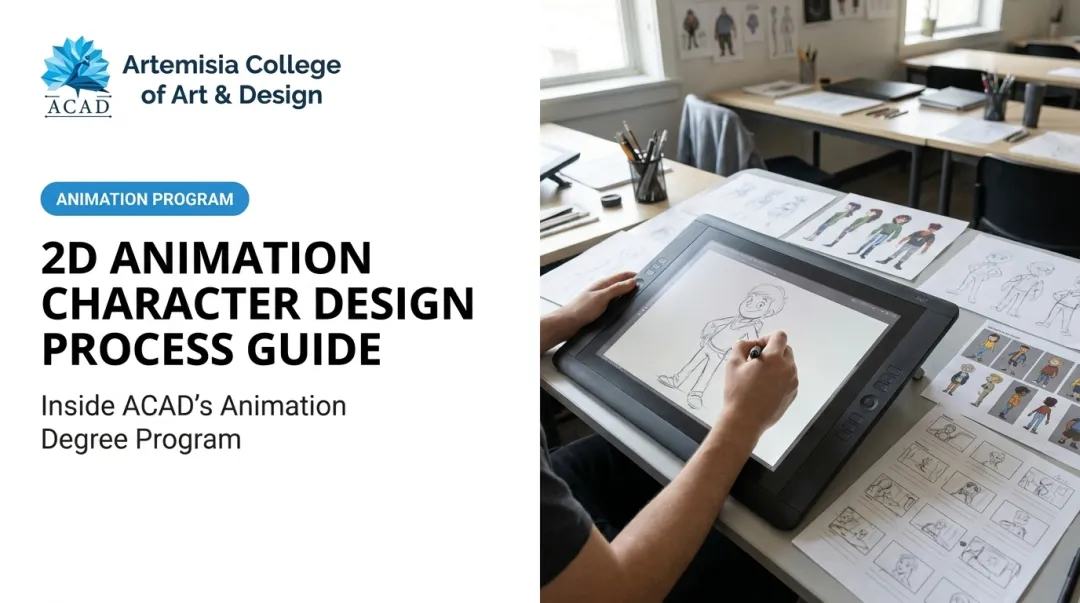
- Concept art and character design – Art directors lock in colour palettes, character appearances, props, and locations; these choices guide everyone downstream.
- Storyboarding and animatics – Storyboards sequence the story visually, panel by panel. Animatics add rough timing and temporary sound so the team feels the pacing before committing resources.
- Technical planning and asset prep – Technical artists map out modelling needs, rigging complexity, and file-naming conventions. Skipping this step is the single biggest cause of chaos later on.
Production: Building and Animating the Scenes
Once pre-production is locked, production is where the project actually gets built.
- Layout – Artists translate the animatic into rough scene composition, camera angles, and backgrounds. Think of it as blocking out a stage before the actors arrive.
- Modelling and texturing (3D) or asset creation (2D) – Characters, props, and environments get built in three dimensions, or drawn as final 2D assets, then given surface detail.
- Rigging – A digital skeleton goes into every 3D model so animators can pose and move it convincingly, though a poorly built rig fights the animator at every turn.
- Animation – Animators create key poses, then fill in the in-between frames that carry the motion. This is what most people picture when they hear "animation," but it's step nine of fifteen.
- Lighting and visual effects – Lighting artists set the mood of each shot while VFX artists add fire, water, smoke, or particle effects.
- Rendering – Software calculates every frame and outputs it as layered image data, ready to hand off to post-production.
Post-Production: Polishing and Finalizing the Output
Post-production takes all those rendered pieces and turns them into one finished film.
- Compositing – Rendered layers, backgrounds, and effects merge into cohesive final frames. Foundry's Nuke is a common tool for this node-based work.
- Sound design and music – Dialogue, foley, ambient sound, and score get added once picture is locked, giving the visuals emotional weight.
- Colour correction and final revisions – Grading ensures visual consistency across every shot and applies the director's intended palette; feedback from earlier reviews gets incorporated here too.
- Final run-through and output – A last quality check, then export in whatever format the client, streaming platform, or game engine requires.
Rush pre-production, and you'll pay for it in production. Skip proper technical planning, and post-production becomes a scramble of mismatched files and last-minute fixes.

Tools, Skills, and Careers Across the Pipeline
Different stages call for different software, and most working animators end up fluent in several.
| Pipeline Stage | Common Tools |
|---|---|
| 2D animation & compositing | Toon Boom Harmony, Adobe Animate, After Effects |
| 3D modelling, rigging, animation | Autodesk Maya, Blender |
| Effects & simulation | SideFX Houdini |
| Film/VFX compositing | Nuke, Fusion |
| Digital sculpting & texturing | ZBrush, Substance Painter |
| Camera tracking | PFTrack |
Tool choice varies by studio and project type. Maya covers modelling, layout, rigging, animation, and rendering in one package, while Houdini leans harder into procedural effects and simulation.
Where AI Fits In
AI-assisted tools are speeding up repetitive tasks such as inbetweening, rotoscoping, and previsualisation. Autodesk has noted these tools can ease time and budget pressure on productions, though efficiency gains vary widely by studio and task.
Junior artists on 2D productions, for example, now spend less time on manual inbetweens and more on refining key poses and timing. AI is changing what junior artists focus on, not the pipeline's underlying structure.
Core Skills That Matter Everywhere
Four skills show up at nearly every stage:
- Storytelling sense – knowing why a shot works, not just how to execute it
- Technical software proficiency – comfort with at least one major tool per stage you touch
- Time management – hitting shot deadlines without sacrificing quality
- Cross-department communication – understanding what the next department needs from your files
Because the pipeline spans so many specialised roles, training that covers the full workflow, not just one piece of software, gives students a real edge walking into a studio interview.
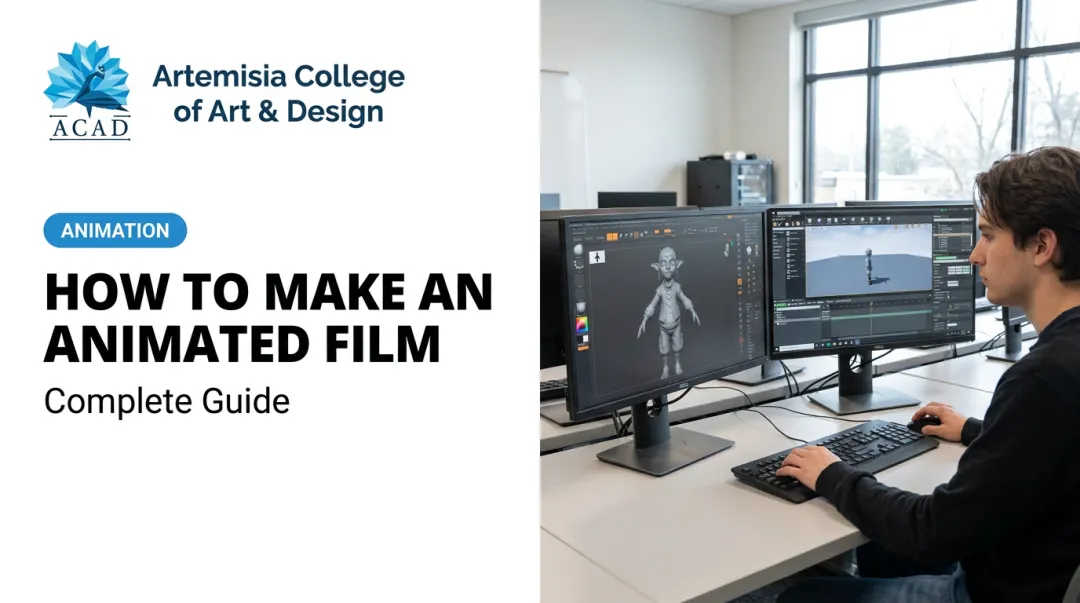
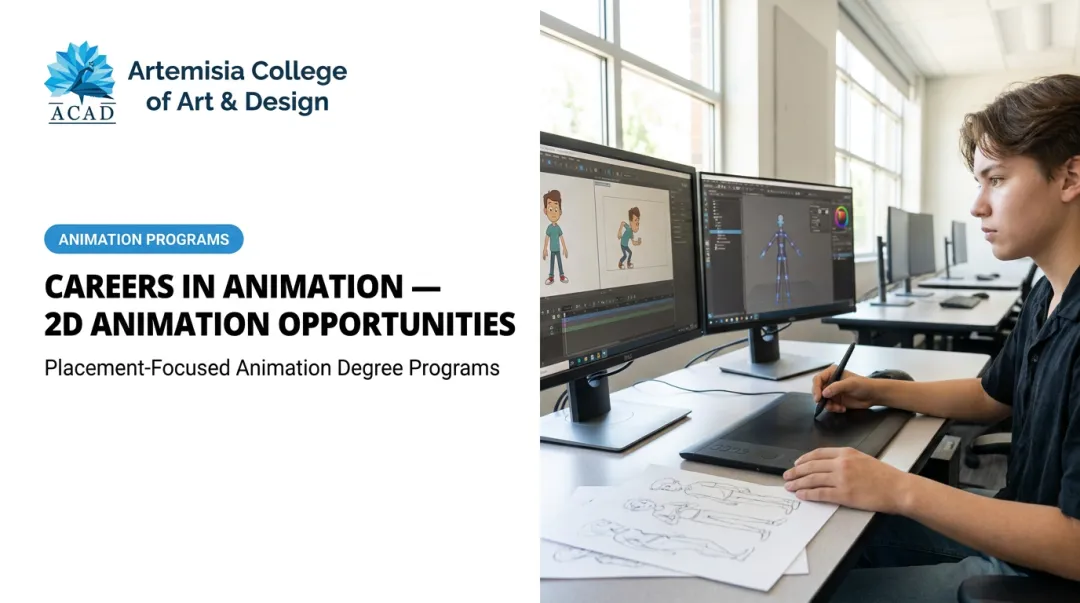
Artemisia College's Animation & VFX programme is structured around this real industry pipeline. Its dedicated Placement Cell backs that up with portfolio guidance, mock interviews, and direct access to global studios and gaming companies for campus hiring.
Common Challenges and Misconceptions in the Animation Pipeline
Myth: Every studio's pipeline looks the same. It doesn't. The three core phases stay constant, but the exact steps, tool choices, and team structures shift with project scale. A five-person short-film team and a 300-person feature crew follow the same logic at very different levels of complexity.
Myth: Animation starts with drawing. Most of the creative heavy lifting happens in pre-production, in scripts, character design, and storyboards, long before final artwork exists.
Reality check: Delays rarely come from creative disagreement. They come from poor version control and miscommunication between departments. Common breakdowns include:
- A rigger working from an outdated model
- An animator unaware that lighting changed a scene's mood
- A compositor waiting on files renamed without notice
These small failures cause the majority of real-world rework.
Pixar's own shift toward USD-based production exists specifically to reduce this friction, letting departments exchange scene data non-destructively instead of waiting on a "final" handoff from the previous team.
Skipping steps to save time might feel efficient, but it rarely is. Respecting each stage is what separates polished professional animation from amateur output that looks rushed in ways audiences can feel, even if they can't name why.

Where Students Actually Learn a Pipeline
A pipeline is hard to learn from a diagram because the difficulty is in the handoffs: what the next department needs, in what state, and what happens when it arrives wrong.
Learn the Pipeline by Working Inside One at Artemisia College of Art & Design
A pipeline diagram is easy to follow and hard to learn from, because the real education is in the handoffs: what a rigger needs from a modeller, what a compositor needs from lighting. At Artemisia College of Art & Design (ACAD), students work through those stages in sequence and then on live projects, so the dependencies are experienced rather than memorised.
Courses Offered:
- Certificate in 2D & 3D Animation
- Diploma in 2D 3D Animation & VFX
- B.Design in Animation & VFX
Here's what sets ACAD apart:
- Stages Taught in Order: Students move through storyboarding and design, then animation, then compositing, so each stage is learned with the next one in mind.
- A Working Studio on Campus: ACAD Studios is the college's own animation and game production studio, where students join industry projects as paid interns from the fourth semester.
- Software Matched to Stage: Maya for modelling, rigging, lighting and rendering; Nuke, Fusion and After Effects for compositing and finishing.
- Fundamentals Underneath the Tools: First-year work on a lightbox builds the timing and draughtsmanship that every stage of the pipeline depends on.
- Learning From Working Artists: Around 90% of the faculty come from working industry, with five to thirty-five years of practice behind them.
- Portfolio Built From Pipeline Work: The placement cell helps students assemble finished shots into a reel and prepare for studio interviews.
If you want to understand a pipeline well enough to slot into one, that comes from working a shot through every stage and handing it on. ACAD's animation courses are structured around that progression, so you graduate knowing where your work sits and what the next person needs from it.
Frequently Asked Questions
What are the stages of animation production?
Animation production runs through three main stages: pre-production (planning, script, design), production (modelling, rigging, animation), and post-production (compositing, sound, final render).
What does pipeline mean in animation?
"Pipeline" refers to the structured sequence of people, software, and hardware that moves a project from concept to finished output in an organised, repeatable order.
How long does the animation production pipeline take to complete?
Timelines vary hugely by project length, complexity, and team size. A short clip might take days, while a feature film can take months or years depending on revisions.
What is the difference between the 2D and 3D animation pipeline?
2D relies on frame-by-frame drawing, inking, and cut-out rigging, while 3D involves modelling, rigging, and rendering digital objects in three-dimensional space. Both share the same three broad phases.
What software is commonly used across the animation pipeline?
Toon Boom Harmony and Adobe Animate are common for 2D work, while Maya, Blender, and Houdini dominate 3D production. Tool choice depends on the studio and project type.
What skills do I need to start a career in the animation pipeline?
Storytelling ability, technical software skills, adaptability, and clear communication are the core requirements. Structured, placement-integrated training, like the studio-aligned curriculum at Artemisia College, accelerates readiness for real production roles.